
If you want your website to rank on Google, get more organic traffic, and attract targeted visitors, then understanding on-page SEO is extremely important. No matter whether you are running a business website, affiliate blog, eCommerce store, or portfolio website, proper on-page SEO helps search engines understand your content better and improves your chances of ranking higher.
On-page SEO is one of the most important parts of search engine optimization because it focuses on optimizing everything directly inside your website. This includes your content, titles, headings, images, internal links, page speed, mobile responsiveness, URL structure, and overall user experience.
Many beginners think SEO is only about backlinks, but the truth is that even strong backlinks cannot help a website if the on-page SEO is weak. Google wants to rank websites that are user-friendly, fast, well-structured, and valuable for visitors.
In this detailed guide, you will learn what on-page SEO is, why it matters, important ranking factors, and how you can optimize your website properly for better Google rankings.
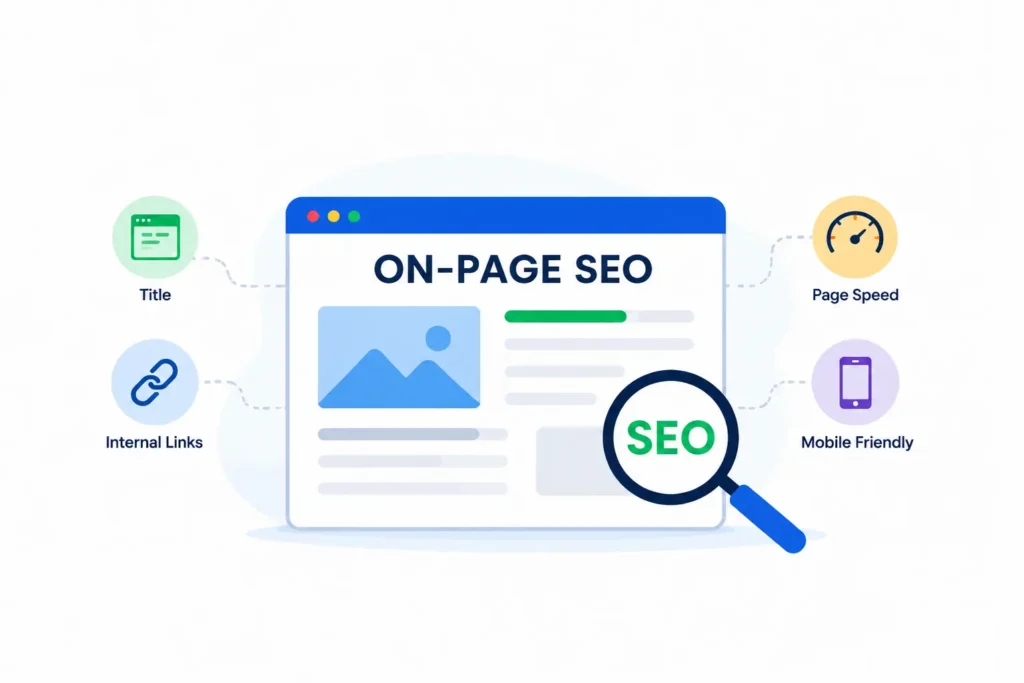
What Is On-Page SEO?
On-page SEO is the process of optimizing a website’s pages and content to improve search engine rankings, such as Google. It includes optimizing titles, URLs, content, images, internal linking, website speed, mobile experience, and many other factors that help search engines understand your website.
In simple terms, on-page SEO means improving everything on your website pages.
The main goal of on-page SEO is:
- Better Google rankings
- Improved user experience
- More organic traffic
- Higher click-through rate (CTR)
- Better website structure
- Increased conversions and sales
When your website is properly optimized, Google can easily crawl and understand your content. As a result, your pages have a better chance of appearing on the first page of search results.
Why Is On-Page SEO Important?
On-page SEO is important because Google analyzes your website content to understand what your page is about. If your content, headings, keywords, and structure are properly optimized, search engines can rank your website more effectively.
A well-optimized website also improves user experience. Visitors stay longer on websites that are fast, mobile-friendly, easy to read, and visually clean.
Good on-page SEO helps in:
- Improving website visibility
- Increasing organic traffic
- Reducing bounce rate
- Increasing engagement
- Building trust and authority
- Improving conversions
Without proper on-page SEO, even high-quality content may struggle to rank.
Important On-Page SEO Ranking Factors
There are many ranking factors in on-page SEO, but some factors are more important than others. Below are the most powerful on-page SEO elements you should optimize.
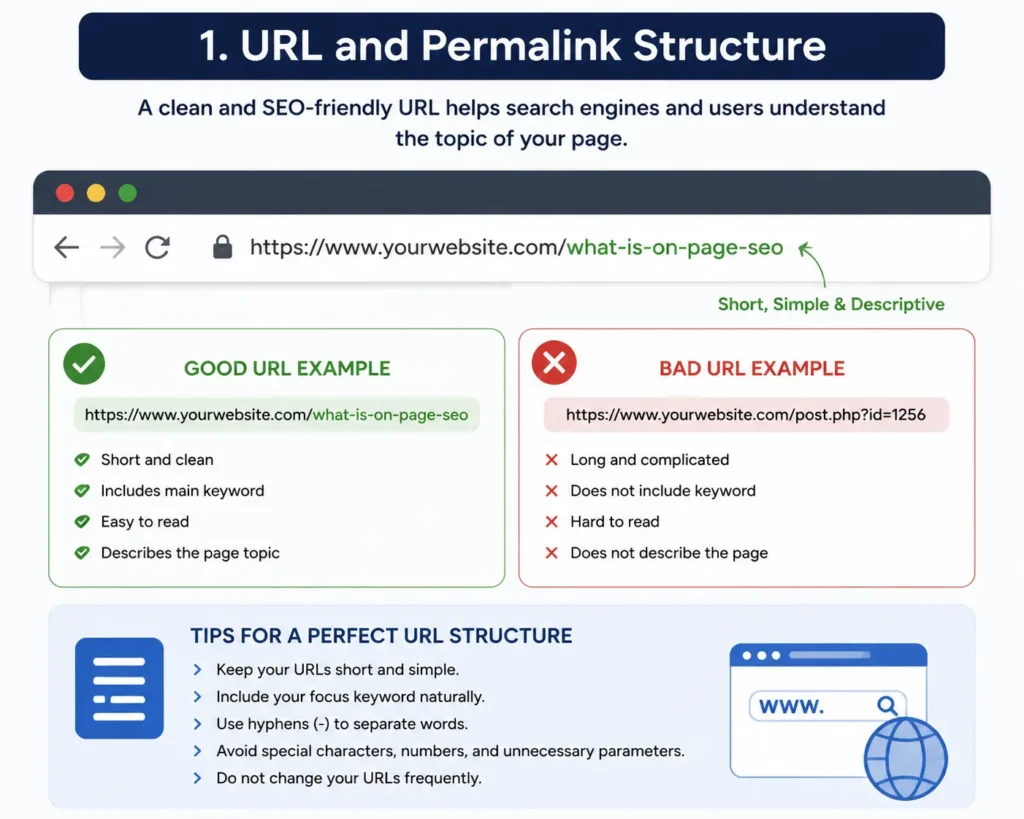
1. URL and Permalink Structure
The URL structure of a website is extremely important for SEO and user experience.
A clean and readable URL helps both users and search engines understand the topic of the page.
Example of a good SEO-friendly URL:
domain.com/what-is-on-page-seo
Bad URL example:
domain.com/post?id=12345
Your URL should:
- Be short and clean
- Include the main keyword
- Avoid unnecessary numbers or symbols
- Be easy to read
- Match the page topic
If you are running a large website with categories, you can use a structured format like:
domain.com/category/post-name
But if you have a micro niche or portfolio website, shorter URLs usually perform better.
One important thing is that you should avoid changing URLs frequently because it can affect rankings and indexing.
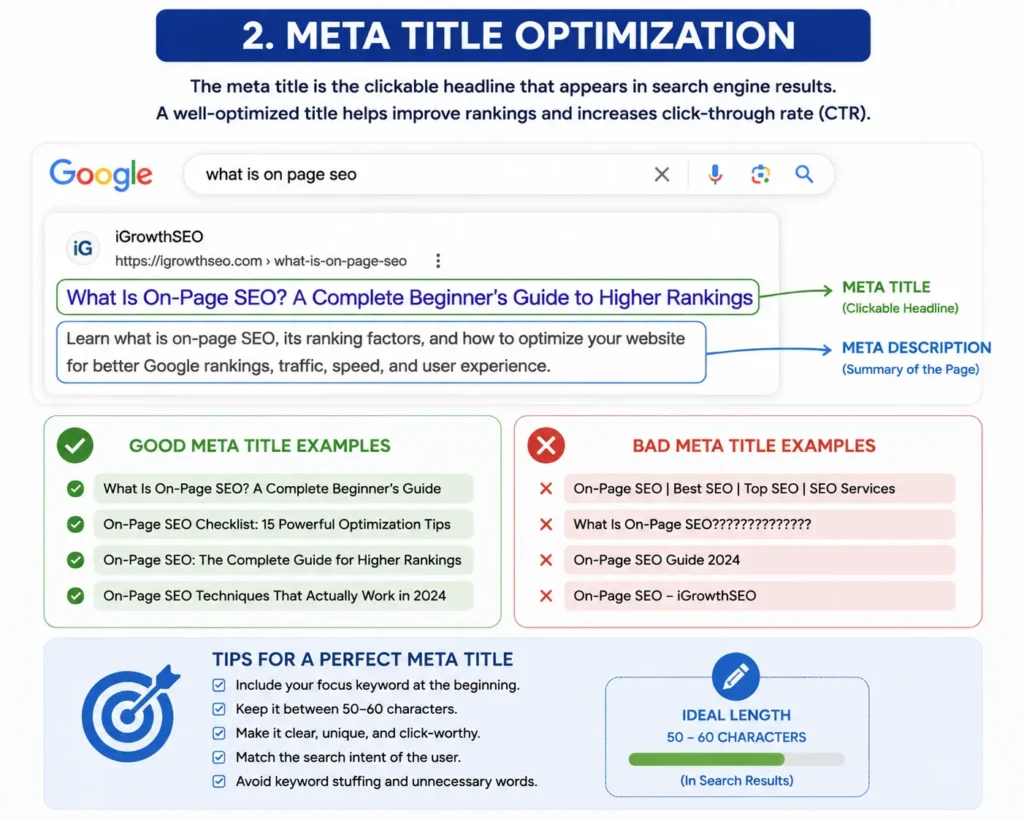
2. Meta Title Optimization
The meta title is one of the strongest on-page SEO ranking factors.
It is the blue clickable title users see in Google search results. A good title improves both rankings and click-through rate.
A powerful SEO title should:
- Include the focus keyword
- Be clear and natural
- Create curiosity
- Stay within proper character limits
- Match search intent
Example:
What Is On-Page SEO? A Complete Beginner’s Guide to Higher Google Rankings
This title includes:
- Main keyword
- User intent
- SEO value
- CTR optimization
Titles that are too spammy or overloaded with keywords can negatively affect rankings.
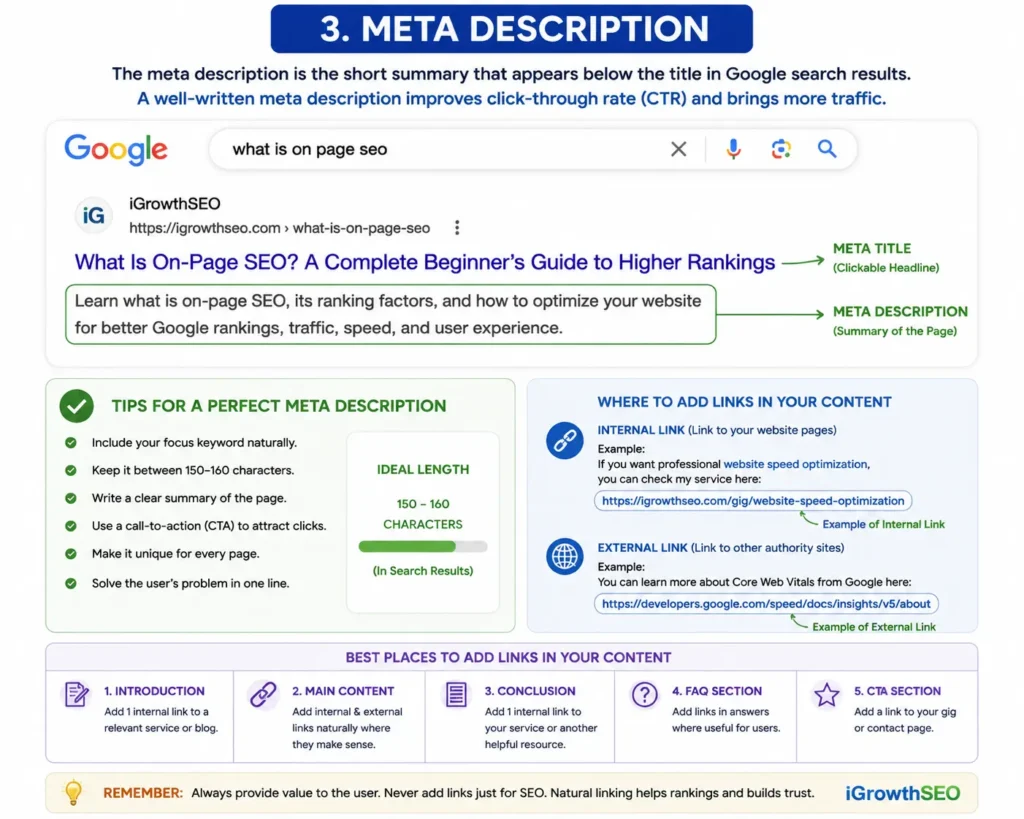
3. Meta Description
The meta description is the short text shown below the title in Google search results.
Although it is not a direct ranking factor, it improves CTR, which indirectly helps SEO performance.
A good meta description should:
- Include the focus keyword naturally
- Explain the page clearly
- Encourage clicks
- Stay around 150–160 characters
Example:
“Learn what is on-page SEO, its ranking factors, and how to optimize your website for better Google rankings, traffic, speed, and user experience.”
4. High-Quality Content
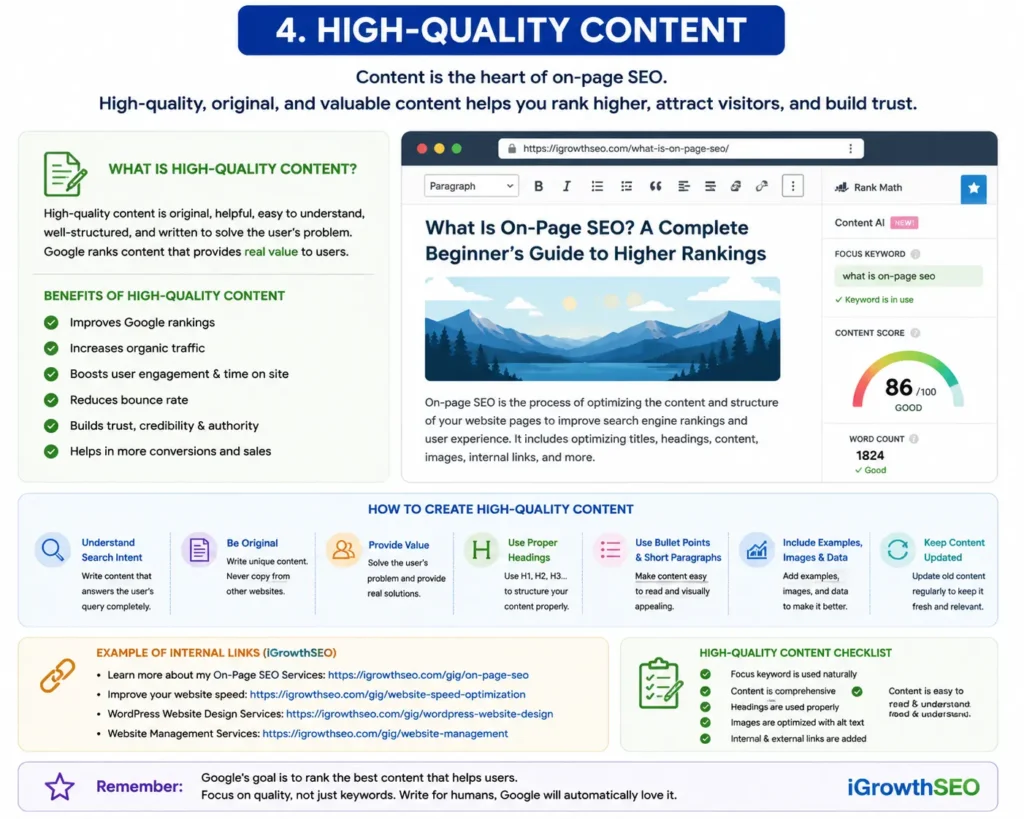
Content is the heart of on-page SEO.
Google wants to rank content that is:
- Helpful
- Original
- Easy to understand
- Valuable for users
- Well-structured
Your content should solve user problems completely.
When writing SEO content:
- Use simple English
- Write naturally
- Avoid keyword stuffing
- Use headings properly
- Add examples where needed
- Keep paragraphs readable
Long-form content usually performs better because it covers topics in more detail. However, quality is more important than word count.
For affiliate websites and business websites, content should build trust and provide genuine value to users.
5. Internal Linking
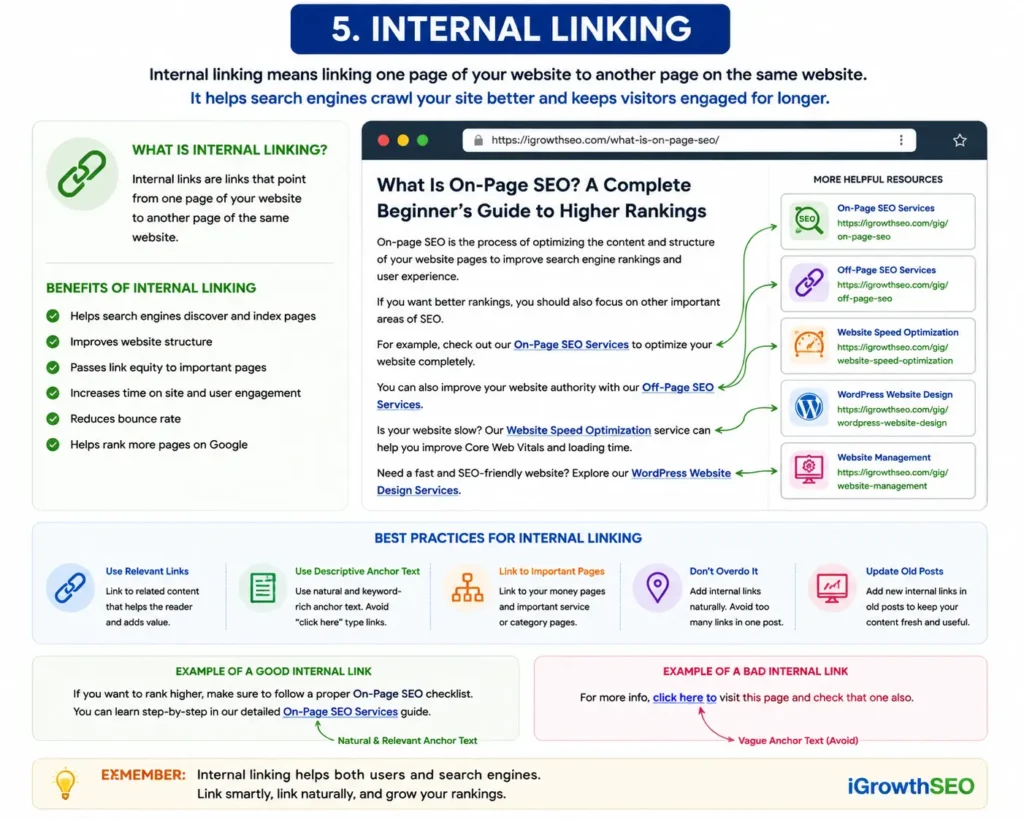
Internal linking means connecting one page of your website to another page within the same website.
Internal links help:
- Search engines crawl your website
- Pass authority between pages
- Improve user navigation
- Increase time spent on the site
For example, if you have separate service pages for:
- On-page SEO
- Off-page SEO
- Website speed optimization
- WordPress website design
You can link them naturally inside blog posts.
Example:
“If you need professional website speed optimization services, make sure your Core Web Vitals and loading performance are properly optimized.”
This creates a better website structure and improves SEO.
6. External Linking
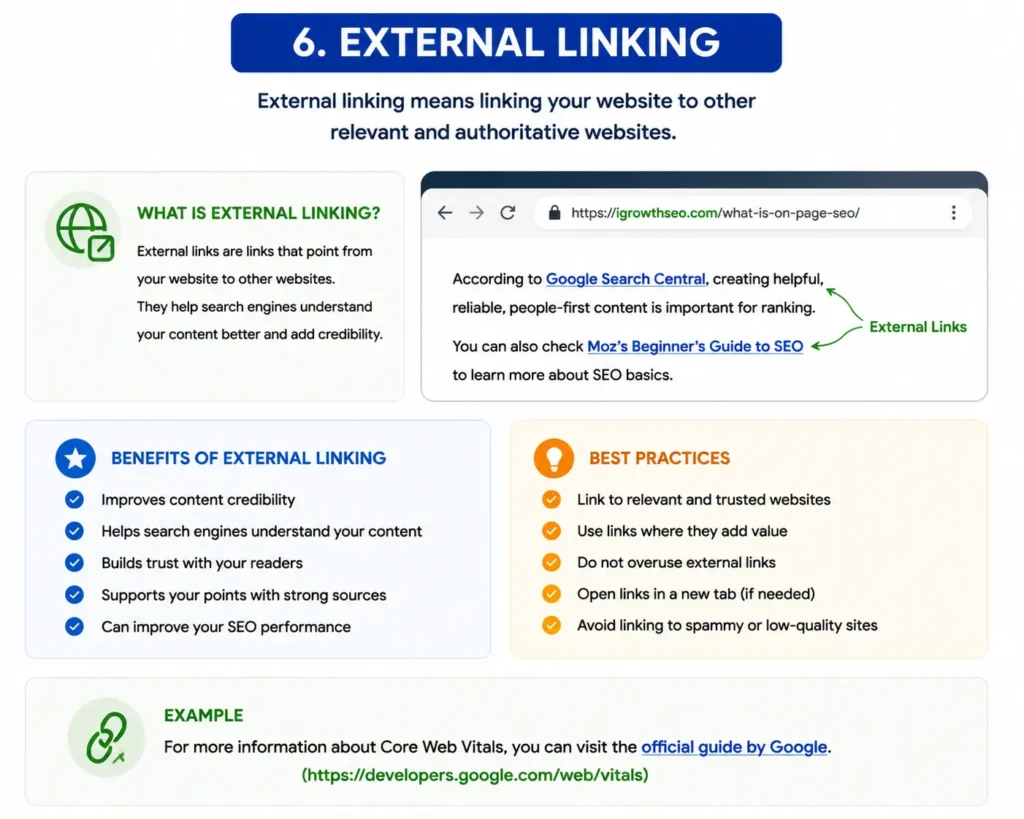
External links are links pointing to other authoritative websites.
Google sees external links as a positive signal when they are used naturally and help users.
You should:
- Link to trusted sources
- Avoid linking to spammy websites
- Use relevant authority sites
- Add external links where necessary
External linking improves credibility and user trust.
7. Adding and Optimizing Images
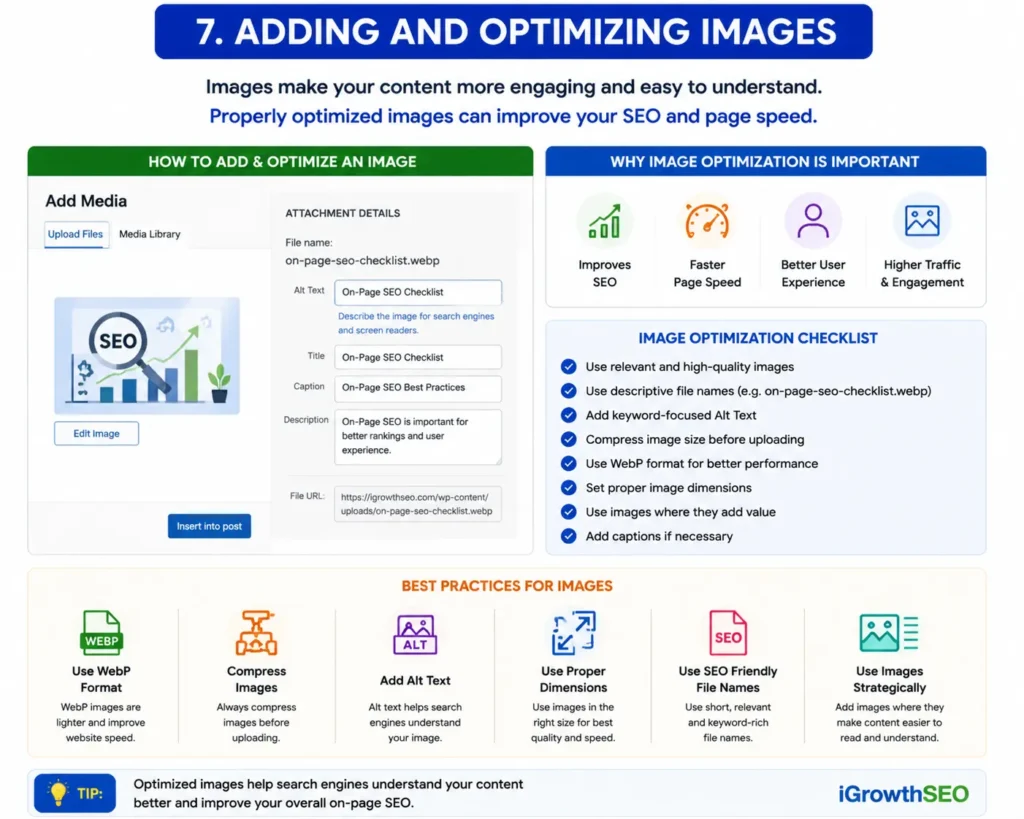
Images improve both SEO and user experience.
A page with properly optimized images becomes more engaging and visually attractive.
Before uploading images:
- Compress image size
- Use proper file names
- Add descriptive alt text
- Use WebP format when possible
Example of optimized image name:
on-page-seo-checklist.webp
Bad example:
IMG12345.webp
Alt tags help Google understand the image content and also improve accessibility.
Optimized images also improve website speed, which is an important ranking factor.
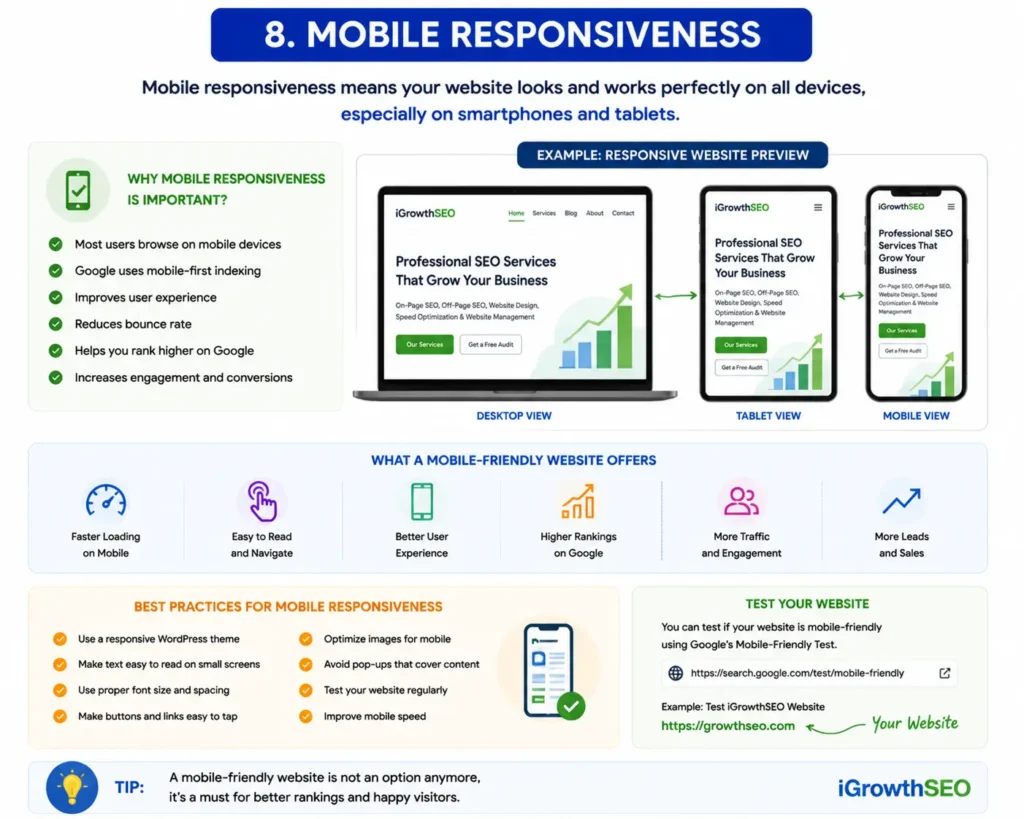
8. Mobile Responsiveness
Today, most users visit websites using mobile devices. Google also uses mobile-first indexing.
This means your website must work properly on smartphones and tablets.
A mobile-friendly website should:
- Load fast
- Have readable text
- Use responsive design
- Avoid overlapping elements
- Have proper spacing
If your website looks broken on mobile, rankings can decrease.
Professional WordPress website design and responsive layouts help improve mobile SEO significantly.
9. Website Speed Optimization
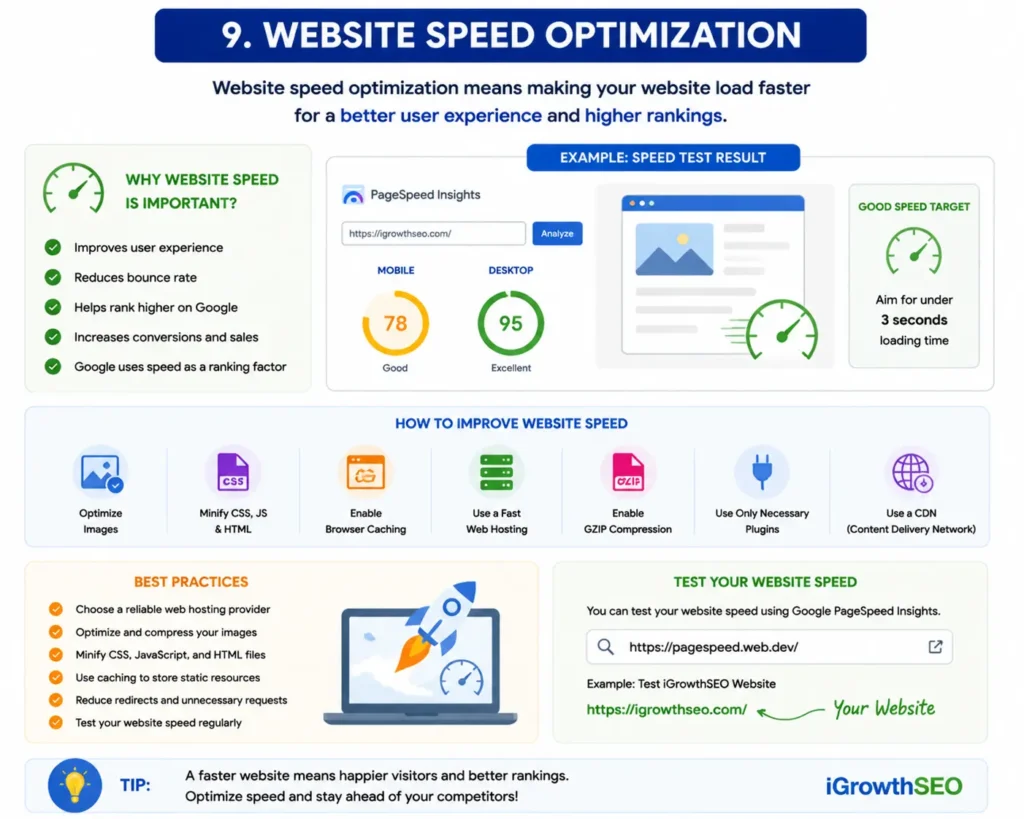
Website speed is one of the most important ranking factors.
Users leave slow websites very quickly. Google also prefers fast-loading websites because they provide a better user experience.
Important speed optimization factors include:
- Lightweight theme
- Optimized images
- Fast hosting
- Caching
- Minification of CSS and JavaScript
- Lazy loading
- CDN usage
Core Web Vitals also play an important role in website performance.
Important Core Web Vitals:
- LCP (Largest Contentful Paint)
- FID (First Input Delay)
- CLS (Cumulative Layout Shift)
If your website is slow, professional speed optimization services can help improve:
- Google rankings
- User experience
- Conversions
- Core Web Vitals scores
10. SSL Certificate and HTTPS
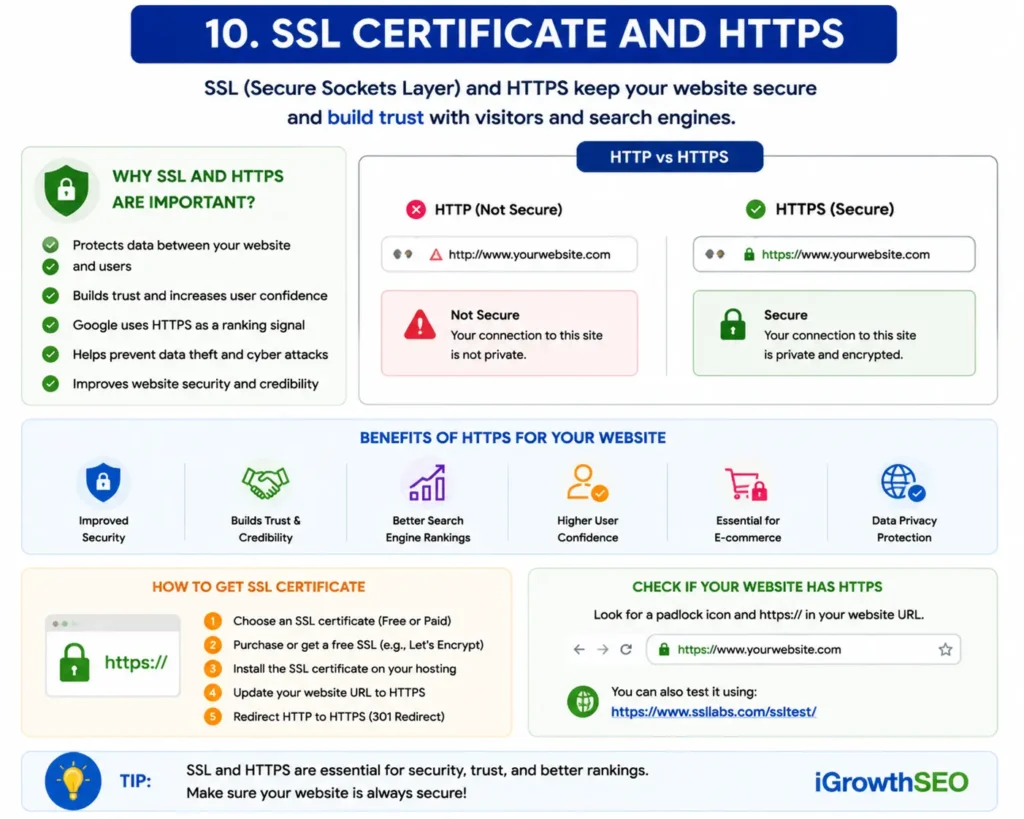
An SSL certificate secures your website and changes it from HTTP to HTTPS.
Google considers HTTPS a ranking factor because security is important for users.
Benefits of SSL:
- Secure connection
- Better trust
- Improved SEO
- Browser security warnings removed
Every modern website should use SSL.
11. Content Presentation
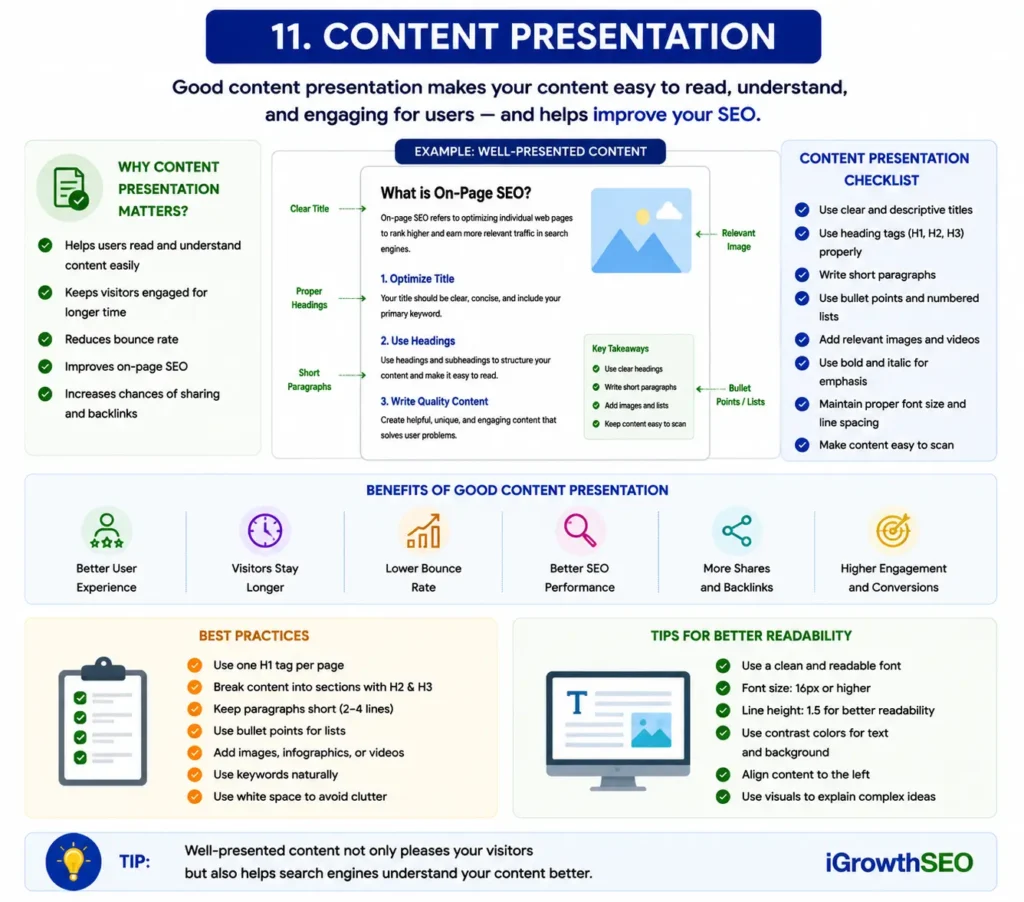
Good content presentation improves readability and user engagement.
Even valuable content performs poorly if it looks messy or difficult to read.
Your content should:
- Use proper headings
- Include bullet points
- Use short paragraphs
- Have enough white space
- Be visually clean
- Include tables or infographics when needed
Readable content increases user engagement and lowers bounce rate.
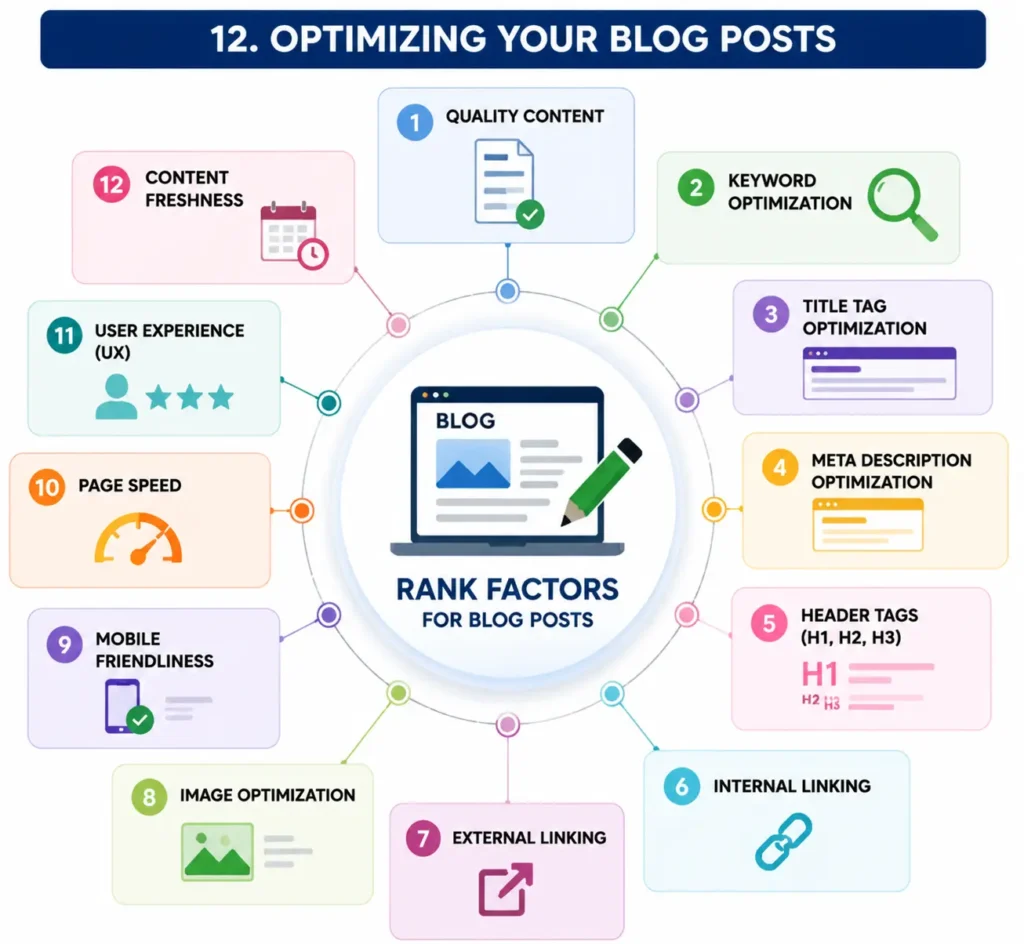
12. Optimizing Your Blog Posts
Every blog post should be optimized before publishing.
Important optimization steps include:
- Add focus keyword
- Optimize SEO title
- Add meta description
- Use proper heading structure
- Add internal links
- Optimize images
- Check readability
- Add schema markup
SEO plugins like Rank Math make optimization easier for WordPress websites.
13. Structured Data (Schema Markup)
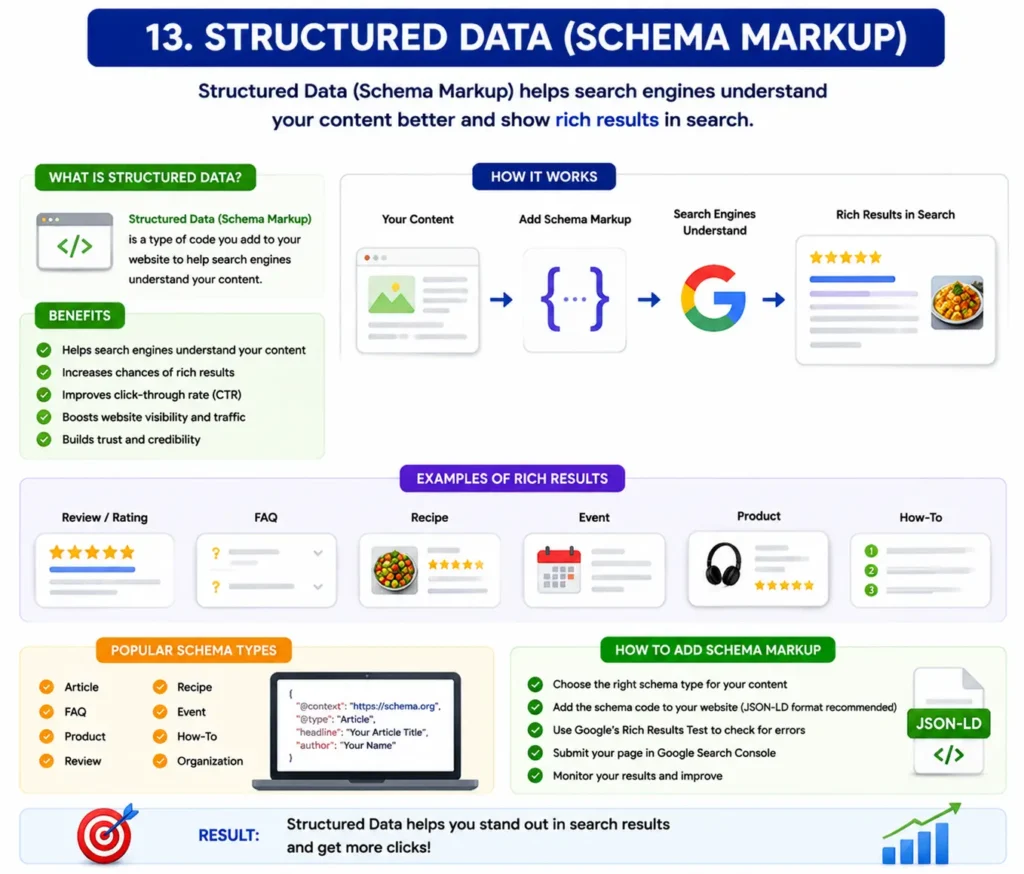
Structured data helps Google understand your content better.
Schema markup can improve:
- Rich snippets
- CTR
- Search visibility
Common schema types:
- Article schema
- FAQ schema
- Breadcrumb schema
- Blog schemaTheThe
The FAQ schema is especially useful because it can help your questions appear directly in Google search results.
The JSON schema format is commonly recommended because it is easier and cleaner.
14. XML Sitemap and Indexing
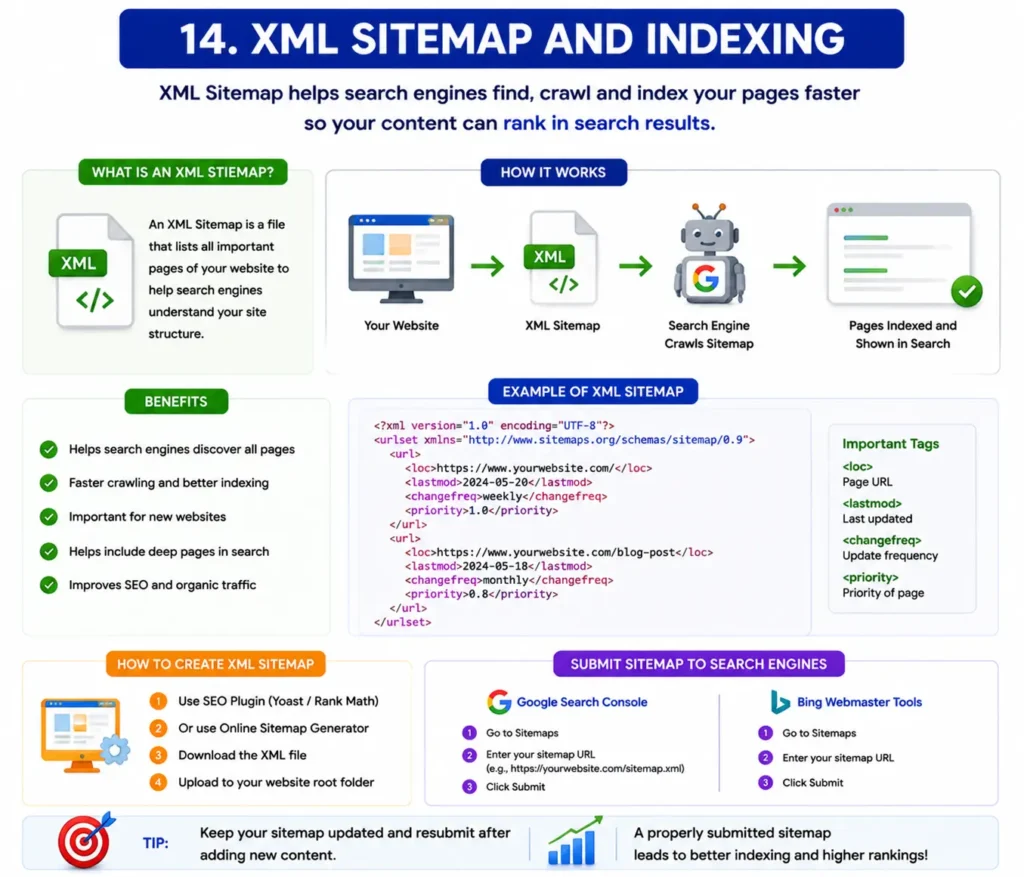
An XML sitemap helps search engines discover your pages quickly.
You can generate sitemaps using SEO plugins like Rank Math.
After generating the sitemap:
- Submit it to Google Search Console
- Monitor indexing issues
- Fix crawl errors
Proper indexing is essential for rankings.
15. User Experience (UX)
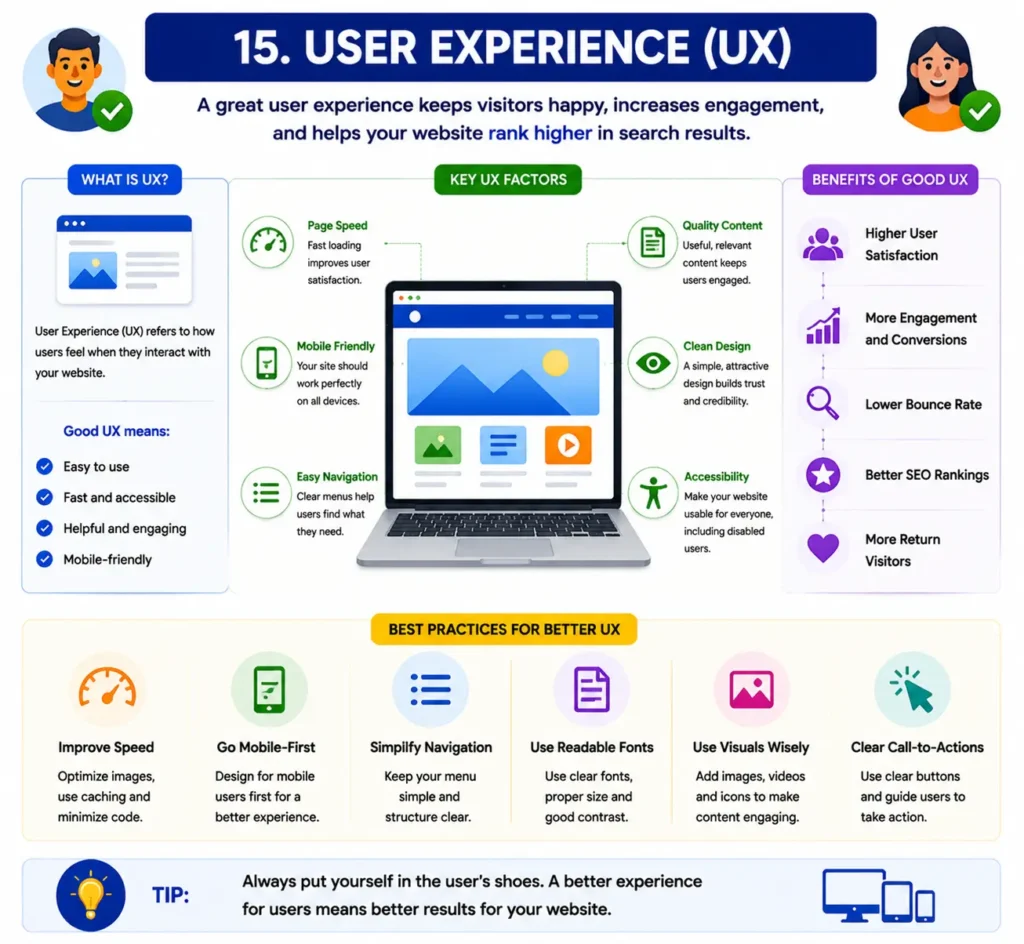
Google wants users to have a positive experience.
Good UX includes:
- Fast loading speed
- Easy navigation
- Clean design
- Helpful content
- Mobile responsiveness
A website with a poor user experience usually struggles to rank long-term.
This is why professional website management and SEO optimization are important for business growth.
Common On-Page SEO Mistakes to Avoid
Many beginners make common SEO mistakes that hurt rankings.
Avoid:
- Keyword stuffing
- Duplicate content
- Slow website speed
- Poor mobile design
- Spammy links
- Thin content
- Over-optimized titles
- Broken internal links
SEO should always look natural and user-focused.
Final Thoughts
On-page SEO is the foundation of every successful website. Without proper on-page optimization, it becomes difficult to rank on Google even if you build backlinks later.
A successful website should:
- Have high-quality content
- Load fast
- Be mobile-friendly
- Use proper SEO structure
- Provide an excellent user experience
Whether you are running an affiliate blog, business website, or portfolio site, strong on-page SEO helps increase traffic, improve rankings, and grow your online presence.
If you want better results, professional SEO services such as:
- On-page SEO
- Off-page SEO
- WordPress website design
- Website speed optimization
- Website management
can help improve your website performance and organic growth.
FAQs
What is on-page SEO in simple words?
On-page SEO is the process of optimizing the content and structure of your website pages to improve Google rankings and user experience.
Why is on-page SEO important?
On-page SEO helps search engines understand your website and improves rankings, traffic, user experience, and conversions.
What is the difference between on-page SEO and off-page SEO?
On-page SEO focuses on optimizing website content and structure, while off-page SEO focuses on backlinks and external authority signals.
Does website speed affect SEO?
Yes, website speed is an important Google ranking factor. Faster websites provide a better user experience and usually rank higher.
Which plugin is best for on-page SEO in WordPress?
Rank Math and Yoast SEO are two of the most popular SEO plugins for WordPress websites.